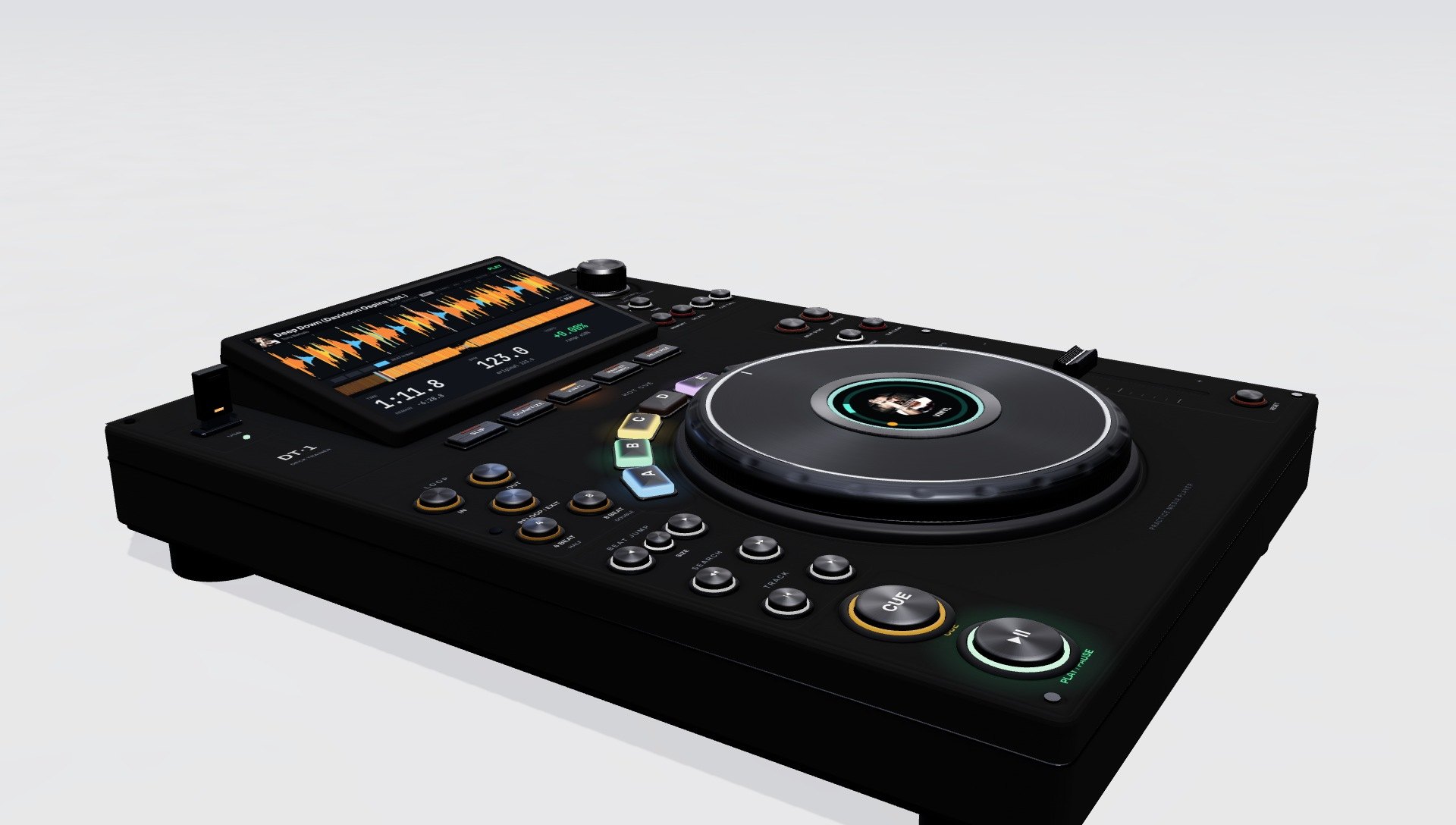

“I love playing on the CDJ-3000X in the clubs!
I don’t have the real one yet, but I wanted to learn the functions. So I built my own to learn the features and buttons.”
Davidson Ospina(01)Why I built it
Every control works. Press one and it tells you what it does, and where it sits on the CDJ-3000X.
Eleven short lessons walk you through the deck one step at a time. Add your own tracks to practice with. They stay on your device and are never uploaded.
- 01
Load and play
Turn the browse knob through the list, push it to load, press play.
- 02
Cue points
Set the spot a track starts from and jump back to it.
- 03
Hot cues
Eight pads. Press an empty one to store a spot, press a lit one to jump there.
- 04
Loops
Repeat a section in time, then exit and carry on.
- 05
Tempo
Speed a track up or slow it down with the tempo fader.
- 06
Jog and scratch
Nudge with the platter ring, scratch on the top.
- 07
Slip and reverse
Loop or play backward, then snap back to where the track would have been.
- 08
Quantize and beat jump
Land cues exactly on the beat and skip ahead or back by beats.
- 09
Memory cues
Save a cue point into the track, call it back, delete it.
- 10
Find your place
Search through a track, tap the waveform to jump, switch to time remaining.
- 11
Beatmatching
Match a second beat by ear with the fader and platter, then let Beat sync do it.
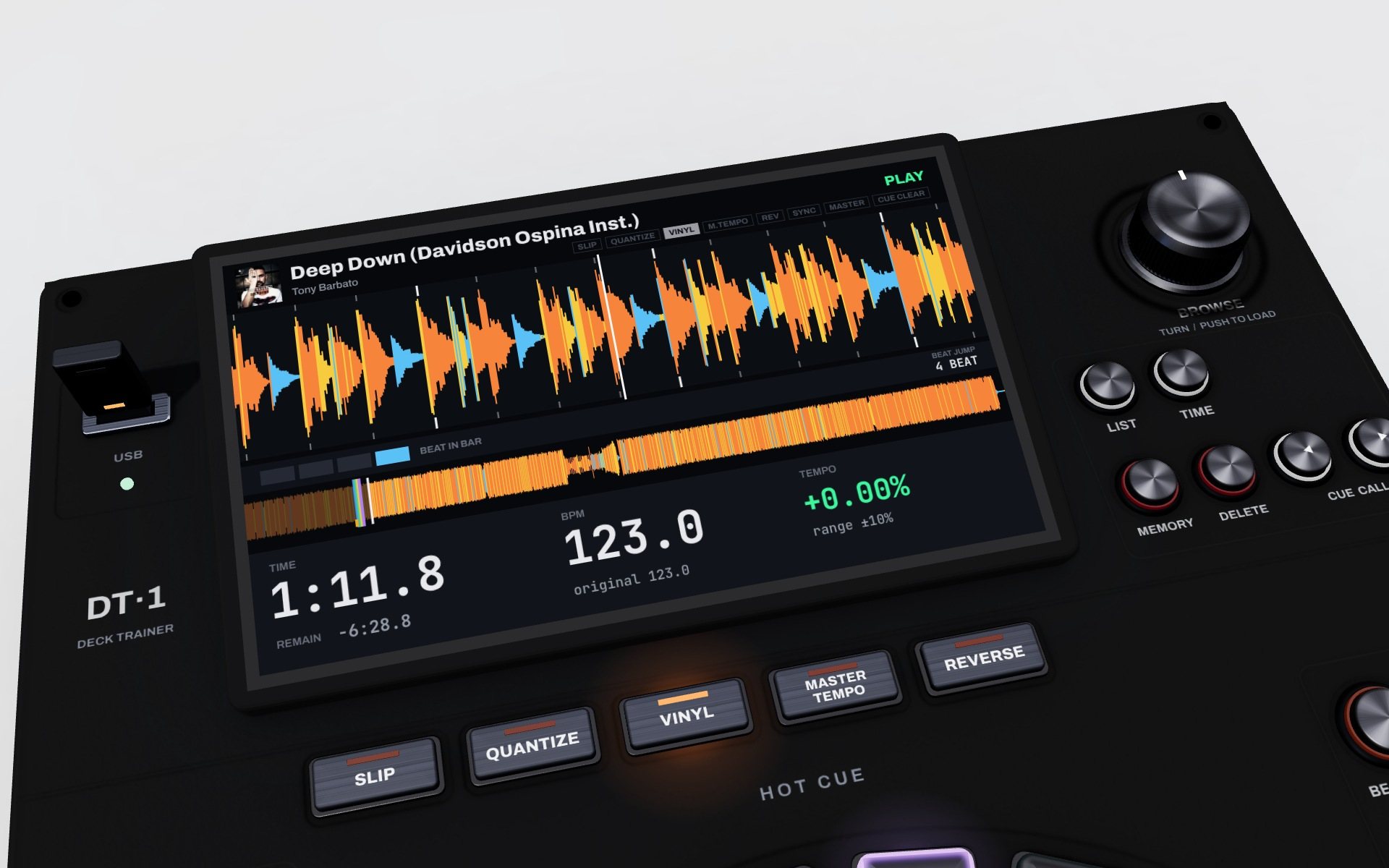
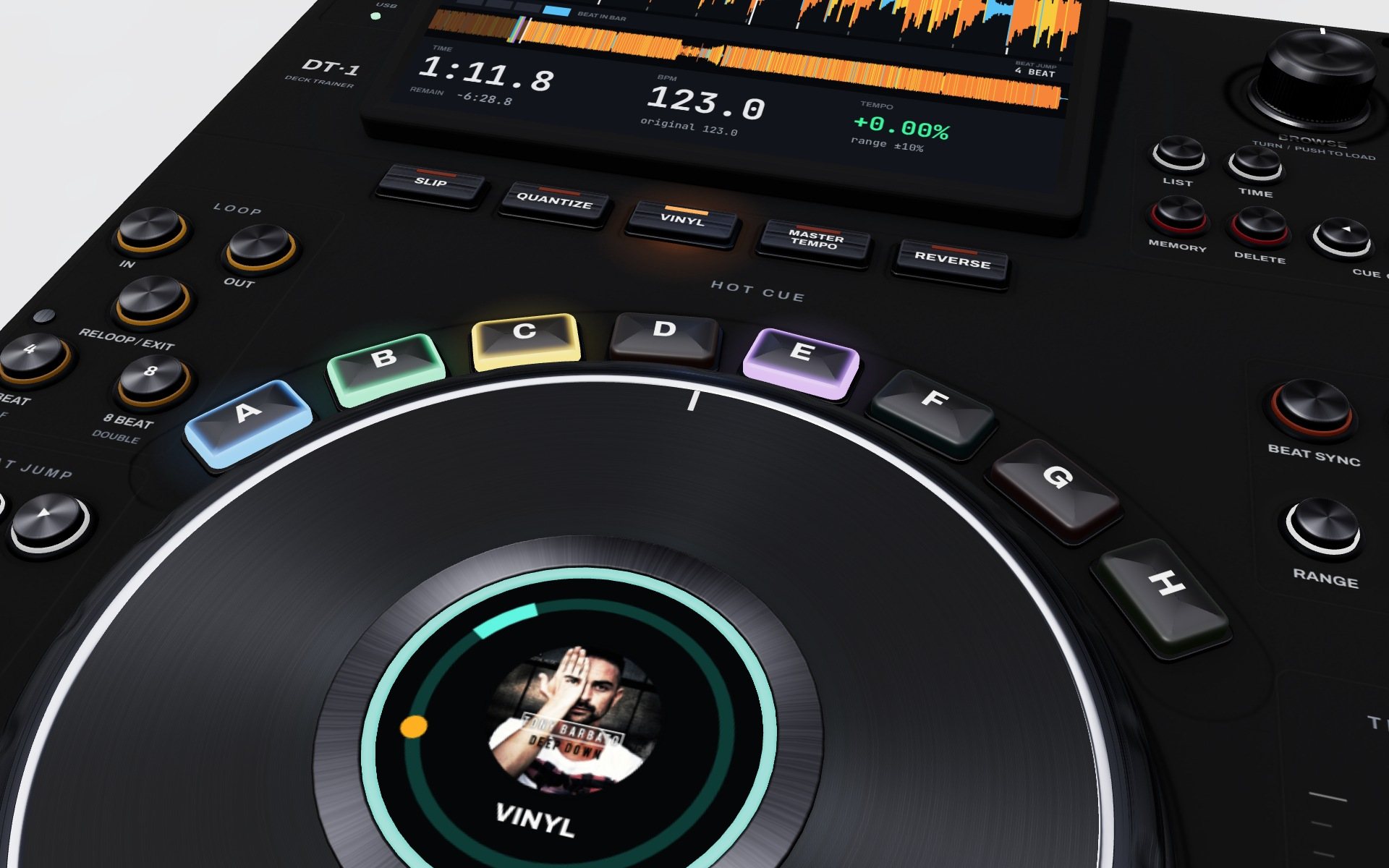
See it in 47 seconds. Scroll to a track, load it, press play, set hot cues, loop it.
Music: Tony Barbato, “Deep Down” (Davidson Ospina Remix, instrumental). Ospina Digital Music.
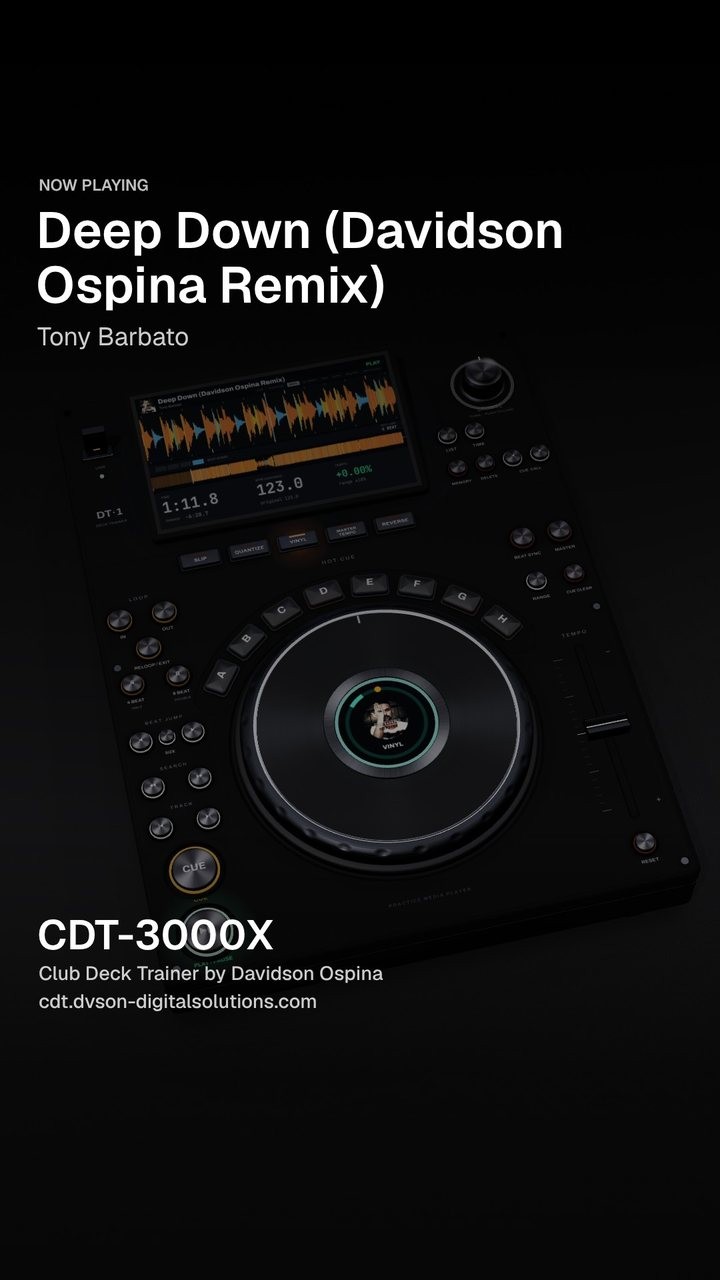
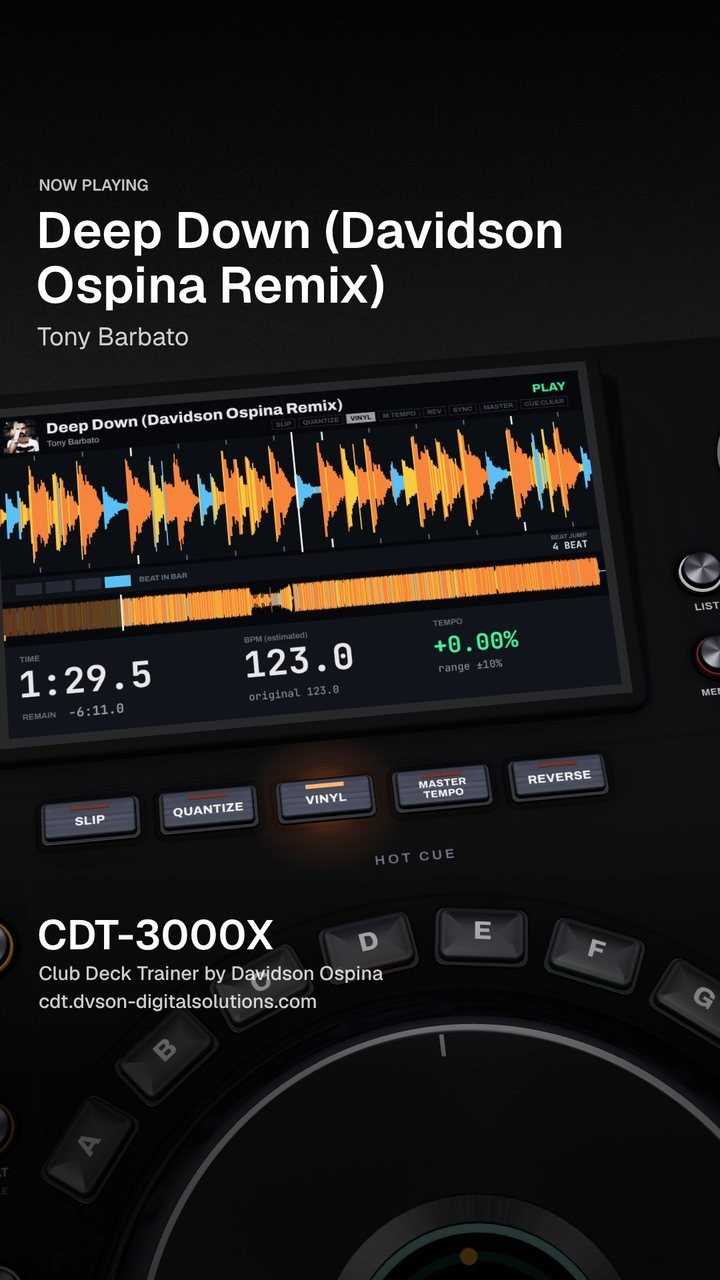
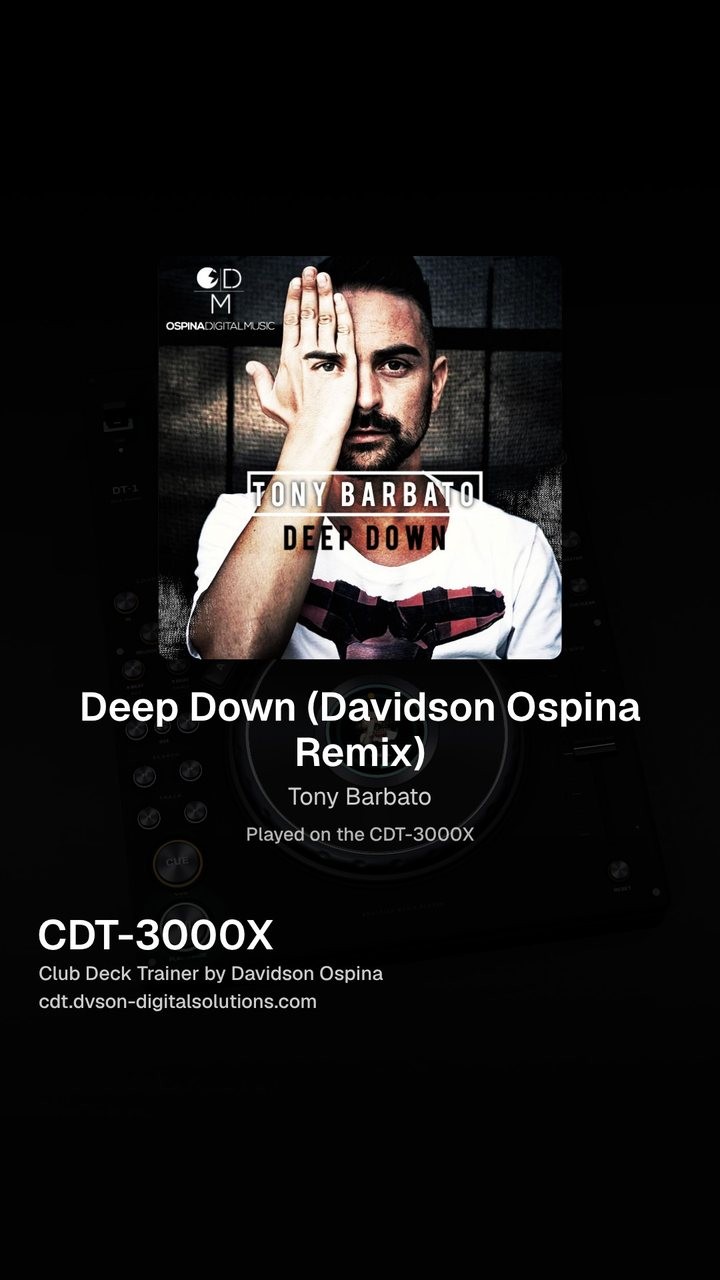
Record your track on the deck. Load your own song and get a 15 second video of it playing, ready to post.
- 01
Add your track
It stays on your device and is never uploaded.
- 02
Press Record clip
Pick a 4:5 post or a 9:16 story.
- 03
Watch it move
The camera pushes in on your track, crosses the platter and pads, and ends on your cover art.
- 04
Save and post
Your title and artist are on the clip.
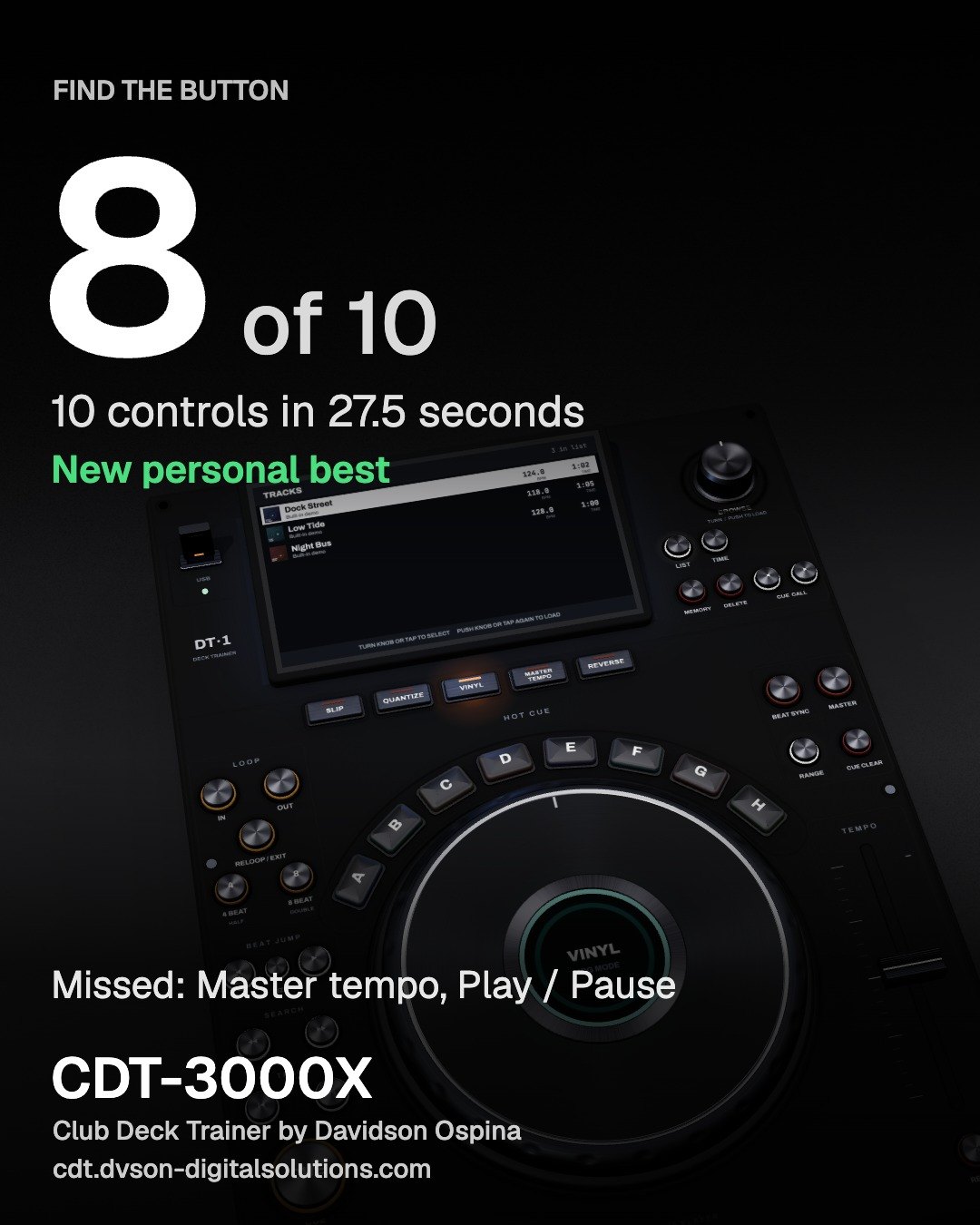
“I can play on them, but I'm afraid to touch things in the middle of a set.” Find the button.
The trainer names a control and you tap it on the deck, against the clock. It is how you get your hands to go straight to Slip or Reloop when the floor is full.
- 01
Ten questions
Where is Slip? Where is Reloop / Exit? Tap it on the deck.
- 02
Every answer is timed
You learn where things are, so your hand goes straight there mid set.
- 03
Save your score
A 4:5 card with your time and what you missed, ready to post.
Built by Davidson Ospina. Producer, DJ and founder of DVSON Digital Solutions.
Want something like this built for you? Get in touch.